
DIY Smart Thermostat Systems: Automate Your Home Climate in 2026
DIY Smart Thermostat Systems: Automate Your Home Climate in 2026
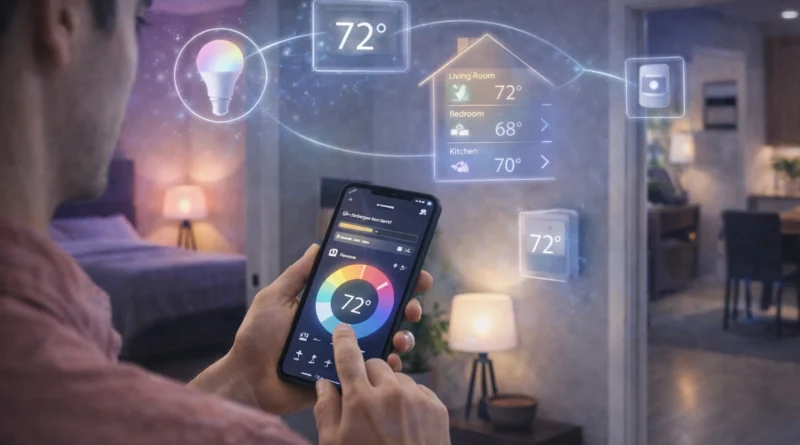
Smart thermostats are a cornerstone of modern home automation, allowing homeowners to control temperature efficiently, save energy, and create personalized comfort schedules. A DIY smart thermostat system can integrate with smart bulbs, motion sensors, AI assistants, and home hubs for maximum convenience and efficiency. In my Tunis apartment, installing a smart thermostat with multi-zone sensors allowed me to heat occupied rooms while keeping unused spaces cooler, reducing my energy bills by nearly 18% in the first two months. This guide covers hardware, software, installation, automation, AI integration, troubleshooting, and expansion tips for a fully automated climate system.
1. Understanding Smart Thermostats
A smart thermostat provides remote temperature control via smartphone or hub, learning algorithms to adjust settings based on your habits, integration with other smart devices for automated routines, and energy savings through efficient heating and cooling. In practice, having the thermostat learn my daily schedule meant that the living room was perfectly warm when I returned from work without manually adjusting settings.
2. Required Hardware Components
Essential components include a smart thermostat (Nest, ecobee, Honeywell Home), optional temperature sensors for multi-zone control, a compatible smart hub (Raspberry Pi, Home Assistant, or similar), and your existing HVAC system. Installation requires basic tools like screwdrivers and wire strippers. Tip: Check if your thermostat requires a C-wire or uses battery power to simplify setup. In my setup, adding a sensor in the bedroom allowed better night-time comfort while saving energy in unoccupied rooms.
3. Software Platforms
Home Assistant supports multiple thermostats, sensors, and automation rules. OpenHAB provides advanced scheduling and multi-zone control. Some thermostats offer proprietary apps for direct configuration and remote control. Setup involves turning off power, removing the old thermostat, labeling wires, connecting the smart thermostat according to instructions, mounting it, restoring power, and configuring the software. Real-Life Tip: Test the Wi-Fi connection and hub integration before final installation to avoid automation delays.
4. Automation Ideas
Smart thermostat automation can include schedule-based control for different times of day, geofencing to adjust temperature when leaving or approaching home, integration with motion sensors and lights to influence climate control, and AI learning mode for adaptive habits. In my experience, combining motion sensors with thermostat routines prevented heating empty rooms while keeping frequently used areas comfortable.
5. AI Integration
AI enhances thermostat efficiency by predicting preferred temperatures based on historical data, adjusting multi-zone heating/cooling automatically, optimizing energy usage using weather forecasts, and sending alerts for HVAC maintenance or unusual consumption. Privacy Tip: Use local AI or secure cloud services to protect sensitive data. Personally, AI learned to reduce heating in my office during the day and pre-warm the bedroom before sleep, improving comfort and reducing electricity costs.
6. Troubleshooting Common Issues
If the thermostat doesn’t connect, check Wi-Fi and hub connections. If the HVAC system doesn’t respond, verify wiring and thermostat settings. For inaccurate temperature readings, calibrate sensors or replace batteries. Keeping a log of installations and settings helped me quickly identify and fix a miswired sensor during my initial setup.
7. Expanding Your Climate System
Add multiple thermostats for zone-based control, integrate smart vents and fans for precise airflow, combine with a smart energy management system for optimal savings, and implement AI-driven predictive routines for personalized comfort. Practical Tip: start with high-use rooms first to maximize comfort and efficiency.
8. Safety Considerations
Always turn off power before wiring, use certified devices, secure your network and hub software, and regularly inspect the HVAC system for safety and efficiency. In real life, following these safety steps prevented accidental short circuits and ensured long-term system stability.
9. FAQ – DIY Smart Thermostat Systems
Q1: Can I integrate with existing smart home devices?
A: Yes, most platforms allow cross-device automation with lights, sensors, and security systems.
Q2: Do I need technical expertise?
A: Basic setup is manageable; advanced automation may require scripting in YAML or Python.
Q3: How much energy can I save?
A: Smart thermostats often reduce energy usage by 10–25% depending on habits and climate.
Q4: Can AI control multi-zone systems?
A: Yes, AI can optimize temperatures for each zone independently based on occupancy and usage.
Q5: Is remote control secure?
A: Yes, encrypted connections, secure apps, or VPN access ensure safe remote control.
Conclusion
A DIY smart thermostat improves comfort, efficiency, and energy savings. With AI integration, multi-zone control, and proper setup, you can create a fully automated climate system tailored to your lifestyle. Start with one room, test routines, and expand gradually for maximum impact.