
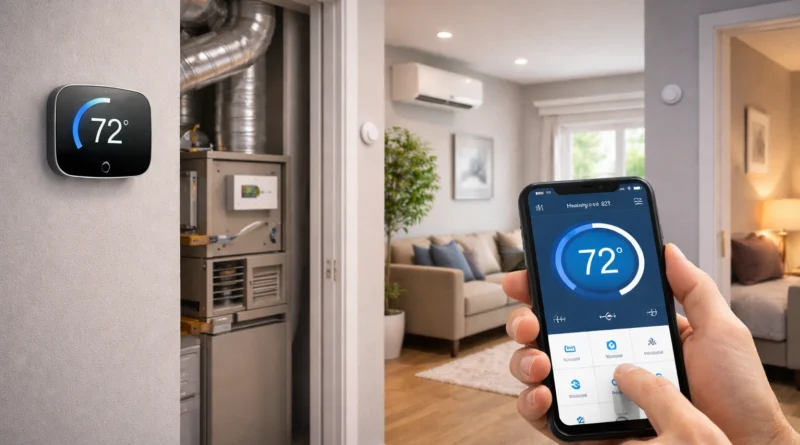
DIY Smart Thermostat Installation: Practical Step-by-Step Guide for Home Energy Savings
DIY Smart Thermostat Installation: Practical Step-by-Step Guide for Home Energy Savings
Smart thermostats revolutionize home heating and cooling by offering remote access, automation, and energy optimization. Installing a DIY smart thermostat reduces energy bills, improves comfort, and integrates your HVAC system with other smart devices. Human Insight: In my Tunis apartment, setting a smart thermostat with geofencing cut heating usage by nearly 30% in the first month without affecting comfort.
1. Why Choose a DIY Smart Thermostat
A smart thermostat adjusts temperature automatically based on habits, occupancy, and preferences. Remote control lets you change settings from anywhere via smartphone, while automation ensures energy isn’t wasted. Learning features adapt to your lifestyle, further lowering costs. DIY installation eliminates professional fees and allows customization for multi-zone setups, motion sensors, smart lighting, or voice assistants.
2. Understanding Smart Thermostat Technology
Smart thermostats vary in features and compatibility. Wi-Fi models connect directly to your network, while learning thermostats like Nest adapt schedules automatically. Multi-stage models handle complex HVAC systems, and some include humidity or air quality sensors. Pro Tip: Check if your system requires a C-wire for continuous power before purchasing.
3. Components and Tools Needed
Components: Smart thermostat (Nest, ecobee, Honeywell), optional smart hub, motion or occupancy sensors.
Tools: Screwdrivers, wire strippers, voltage tester, level, smartphone/tablet for setup, notebook for wiring diagrams. Proper tools ensure safety and accurate installation.
4. Step-by-Step Installation
Step 1 – Plan Your Installation: Identify HVAC type, locate existing thermostat, document wiring, and take a photo for reference.
Step 2 – Turn Off Power: Switch off the breaker controlling HVAC to prevent hazards.
Step 3 – Remove Old Thermostat: Detach carefully, label wires, and keep screws.
Step 4 – Mount Smart Thermostat: Attach backing plate level, connect wires, mount display, restore power, and follow app instructions.
Step 5 – Connect to Wi-Fi and Hub: Pair thermostat to network and hub; assign zones if available.
Step 6 – Configure Preferences: Set schedules, temperature ranges, and automation triggers (geofencing, motion sensors, voice assistants).
5. Advanced Automation Tips
- Geofencing: Adjust temperature automatically when leaving or approaching home.
- Schedule-Based Control: Program weekday/weekend or hourly schedules.
- Learning Mode: Thermostat adapts to your habits over time.
- Integration with Smart Devices: Combine with lights, security, and voice assistants for full automation.
6. Troubleshooting Common Issues
- Thermostat Not Connecting: Check Wi-Fi and restart app/device.
- HVAC Not Responding: Verify wiring, check terminals, consult a professional if needed.
- Incorrect Temperature Readings: Ensure thermostat is level and away from drafts or sunlight.
- Geofencing Failures: Check smartphone permissions and app settings.
- Automation Not Triggering: Recheck integrations, rules, and firmware updates.
7. Energy Efficiency Benefits
Smart thermostats significantly reduce energy usage. Example: A heating system consuming 10kWh/day can drop to 6kWh/day, saving 40%. Cooling systems benefit similarly with scheduling and occupancy detection. Over a year, DIY smart thermostats can save hundreds of dollars while reducing carbon footprint.
8. Practical Applications by Room
- Living Room: Occupancy-based schedules save energy.
- Bedroom: Gradual temperature changes optimize sleep comfort.
- Kitchen: Reduce heating/cooling during low-occupancy periods.
- Home Office: Sync temperature with work hours.
- Whole House: Use multi-zone systems and geofencing for maximum efficiency.
9. Safety Considerations
- Always turn off the breaker before installation.
- Verify voltage and system compatibility.
- Avoid touching exposed wires.
- Keep software updated.
- Use strong Wi-Fi passwords and enable two-factor authentication.
10. FAQ – DIY Smart Thermostat
Q1: Can I install without a C-wire? A: Some thermostats allow adapters; check compatibility.
Q2: Will energy savings be noticeable? A: Yes, typically 20–40% reduction in heating/cooling costs.
Q3: Can it integrate with Alexa or Google Home? A: Most models support voice control.
Q4: Do all smart thermostats learn automatically? A: Only learning models like Nest; basic Wi-Fi thermostats require manual scheduling.
Q5: Is professional installation recommended? A: DIY is possible if comfortable with wiring; otherwise, consult an HVAC technician.