
DIY Smart Home Security Cameras: Protect Your Home in 2026
DIY Smart Home Security Cameras: Protect Your Home in 2026
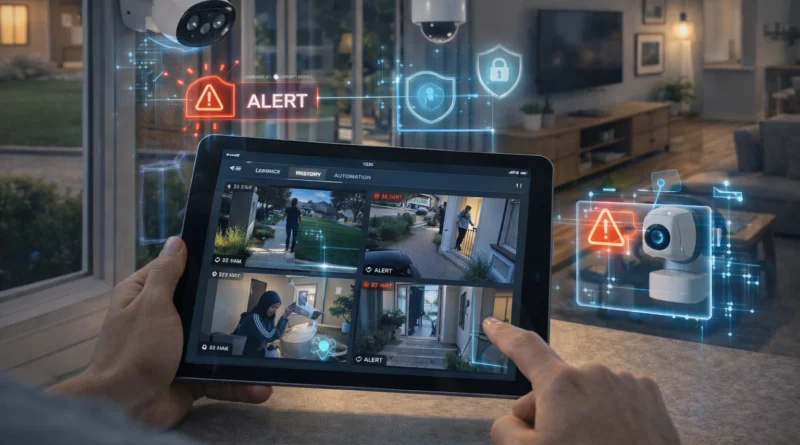
Smart home security cameras are essential for modern home automation. They allow real-time monitoring, motion detection, and integration with other smart devices to provide comprehensive security. In my own apartment in Tunis, setting up DIY security cameras helped me monitor entrances and detect unusual activity while I was at work, giving peace of mind and enhancing overall home safety. With a DIY approach, you can create a fully automated surveillance system tailored to your home, ensuring convenience, privacy, and cost savings.
1. Understanding Smart Home Security Cameras
Smart cameras provide real-time video streaming via mobile apps, motion detection alerts, night vision, AI-based activity detection, and integration with other smart devices for automation. Human Insight: I configured zones in my backyard cameras so I only get notifications when people enter, ignoring harmless movements from pets. DIY setups also allow customization and privacy compared to commercial monitoring services.
2. Required Hardware Components
You will need indoor and outdoor smart cameras (e.g., Arlo, Ring, Wyze), a hub or router for network connection, optional storage (NAS or cloud) for recordings, power supply (wired or battery), and mounting accessories like brackets or adhesive mounts. Tip: Choose cameras with Wi-Fi 6 support for stable streaming and minimal latency, and consider cameras with battery backup for uninterrupted monitoring.
3. Software Platforms
Popular platforms include Home Assistant (centralized integration), OpenHAB (advanced automation with motion triggers), vendor apps (simplified notifications), and Node-RED (custom rules and alerts). Setup Steps: Install cameras and connect to the network, configure each camera, define motion detection zones, set notifications, and test live streaming and alerts. Practical Insight: I used Home Assistant to combine my cameras with smart lights so that any motion at night turns on outdoor lights automatically.
4. Automation Ideas
Motion-triggered lights, smartphone or email notifications, automated recording during specific events, and integration with smart locks are key automation scenarios. Example: When a delivery arrives, motion triggers the porch light and starts a short recording, then sends me a notification on my phone.
5. AI Integration
AI improves camera functionality by detecting humans, pets, or vehicles, reducing false alerts, providing movement analytics, and enhancing night vision through image processing. Privacy Tip: Run AI locally to avoid cloud exposure of sensitive footage. Human Insight: My AI setup automatically ignores my cat’s movements, saving false alerts and unnecessary notifications.
6. Troubleshooting Common Issues
Camera offline? Check Wi-Fi strength and power. Notifications missing? Verify app permissions and network. Poor image quality? Adjust resolution, clean lenses, or check lighting. Pro Tip: Keep a log of camera locations, settings, and firmware versions for faster troubleshooting.
7. Expanding Your Security System
Add more cameras for full coverage, integrate with smart alarms and lights, use AI for predictive security, and combine with door/window sensors, motion detectors, and smart locks. Human Insight: Adding a camera to the garage entrance and linking it with AI alerts gave me extra confidence when leaving home at night.
8. Safety Considerations
Install cameras in safe, tamper-free locations, use strong passwords and encrypted connections, update firmware regularly, and ensure proper cabling and power setup. Practical Tip: Label power cables and mounting points during installation for safety and easier maintenance.
9. FAQ – DIY Smart Home Security Cameras
Q1: Can I monitor cameras remotely? A: Yes, most smart cameras allow remote monitoring via apps.
Q2: Do I need advanced technical skills? A: Basic setups are simple; AI automation may require more advanced configuration.
Q3: Can cameras work offline? A: Some store footage locally and operate without cloud connectivity.
Q4: Can AI detect specific people? A: Facial recognition or object detection is available on certain AI-integrated cameras.
Q5: Is this suitable for apartments or small homes? A: Absolutely, systems can be scaled to any home size.
Conclusion
DIY smart home security cameras provide real-time monitoring, automation, and peace of mind. With the right hardware, AI integration, and practical setup, you can create a flexible, secure, and cost-effective surveillance system. Start with key entrances, expand coverage gradually, and integrate AI to make your home smarter and safer.